
For the second week of the project, I wanted to render some cubes on the screen, set up a camera, load a model and texture the loaded model.
Rendering cubes: Before rendering anything that is 3D, I knew I had to set up a model, view and projection matrix.
I’m using glm’s mat4 (identity matrix) to perform the matrix operations.
- Model/World matrix: Used to transform the coordinates from object space to the world space. Translation, rotation & scaling is applied with the help of this matrix. I used glm’s translation(), rotation() & scaling() functions to transform the vertices from object space to world space.
- Projection matrix: Used to create a frustum that defines the visible space. Anything outside the frustum will not end up in the clip space volume and will thus become clipped. As I will be rendering cubes(3D), I need to have a 3D projection. I’m taking help of glm’s perspective() function to provide me a projection matrix. I had to set the field of view(45.0f), aspect ratio(width/height of screen), near plane(0.1f) and far plane(100.0f) for the function to give me a frustum projection matrix.
- View matrix: This is the matrix where the camera’s position and direction are set. But for rendering cubes, I just hard-coded the view position to a vector from where I could see the cubes.
I also enabled the depth testing using openGL’s glEnable(GL_ENABLE_TEST), so that a fragment that is behind another fragment is discarded which otherwise would have overwritten.
Here is how the output looked after rendering cubes.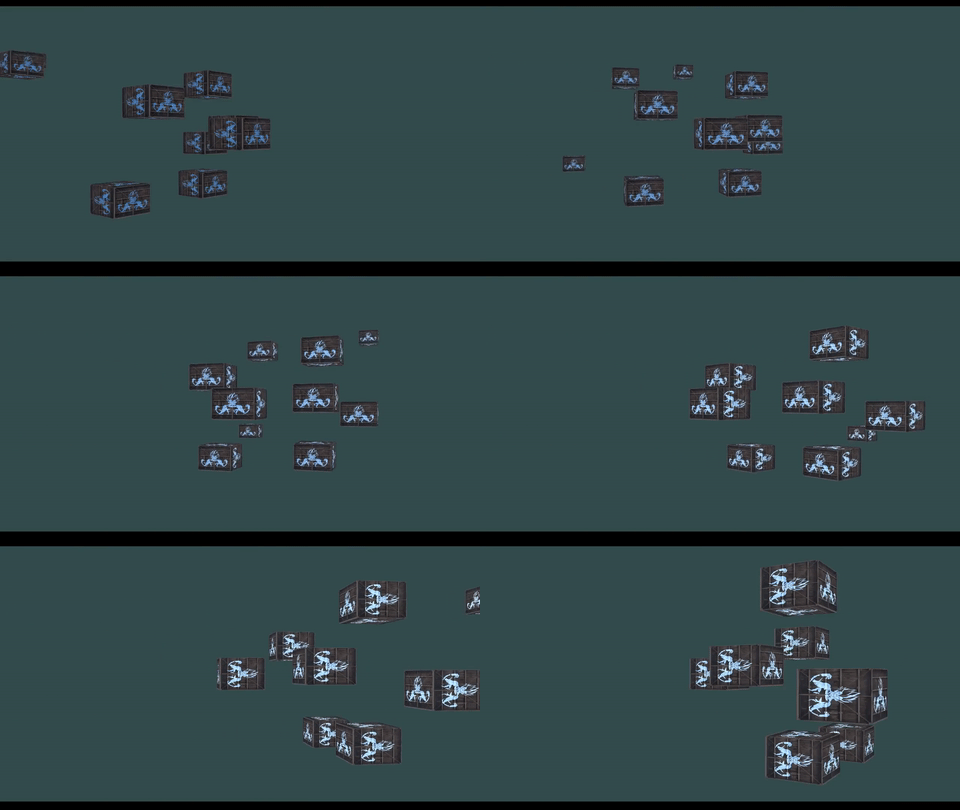
Setting up camera: I wanted to set up an FPS-style camera with mouse movements similar to it. Camera moving forward and backward directions using W and S keys, left and right directions using A and D keys, additionally up and down directions using E and Q keys and zooming in and out using mouse’s scroll movement. All of these had to be applied to the view matrix. I used glm’s lookAt() to give me the view matrix. It took camera’s position, camera’s direction and camera’s up vector as its input. I took help of glfw and registered call backs to keyboard and mouse events.
The camera’s position was updated each time the user pressed any of the WASDQE keys with a constant camera speed. The normalized camera’s direction was updated each time the user moved the mouse. The camera’s zoom was updated each time (field of view from 1.0f to 45.0f) the user scrolled. As the camera’s direction changed for every mouse movement, I needed to calculate the camera’s up vector which was given to the lookAt(). I used the cross product of camera’s direction(Front) and Right vector to calculate the camera’s up vector.
Here is how the output looked after setting up the camera.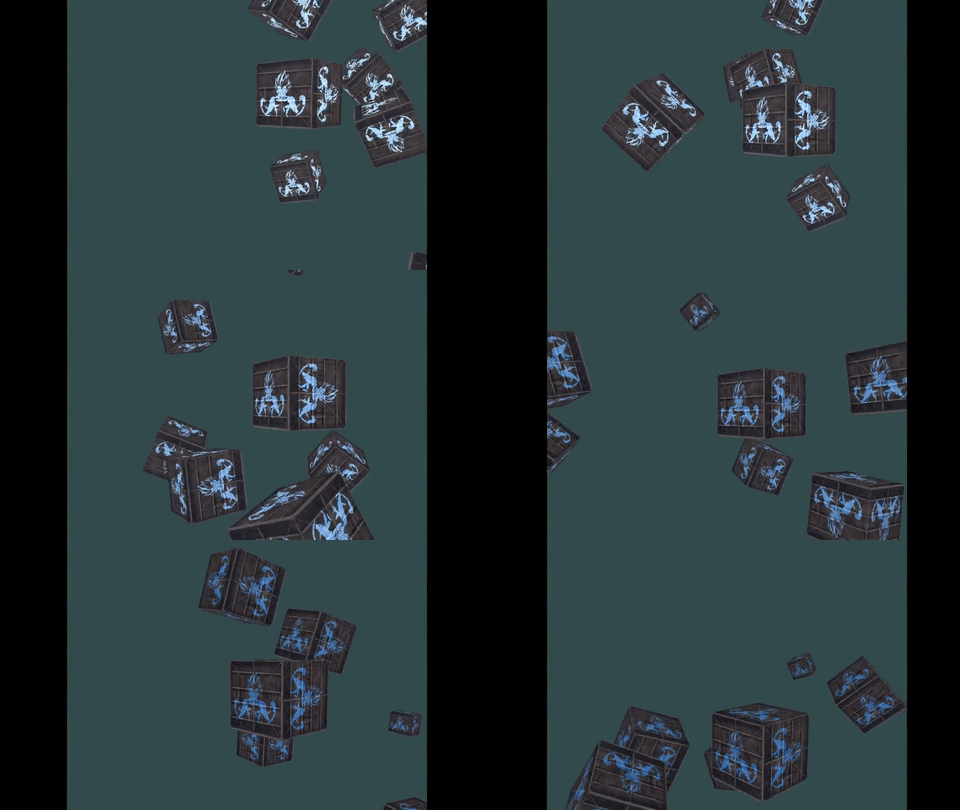
Loading and texturing a model: I’m the using assimp library to load models. I wanted the debug and release versions of the library for both x86 and x64 platforms. But the precompiled libraries that I downloaded from the assimp’s website didn’t contain all of them. Nuget packages were available for assimp but it provided me with an older version(3.0, released July 2012). So I decided to download the source code and compile it by myself.
CMake to the rescue. After downloading the source code I generated the visual studio solution files using CMake. I could then compile and generate the library files(.lib & .dll) for both the debug and release versions for the x86 platform. I wasn’t able to change the platform to x64 using visual studio’s configuration manager and generate the library files immediately. I searched and changed all the known places in the project properties and configuration manager to help change to x64 platform and get the library files. But the visual studio was only exporting the .lib file upon building and not the .dll file. It turns out that I had to generate the visual studio solution files(using CMake) for x64 and x86 separately. After knowing that, I changed the configuration settings in CMake and generated the solution files for x64 separately and successfully built the library files.
Anyways after building & linking the assimp library, I wrote a simple Mesh and Model class to store the vertices, indices, textures etc. I was able to load the model file using assimp’s ReadFile() function. (Assimp prefixes member variables with ‘m’ and their function names are in Pascal Case, which is how all of my code is. I learnt this style from my professor Paul Varcholik) After loading the model, I loaded all the vertices, indices and texture coordinates into my data structure. Assimp was also nice enough to give me the name of the textures associated with the loaded model. I then loaded the textures using stb_image like before and sampled them to the pixels.
Here is how the output looked after loading and applying texture to a model.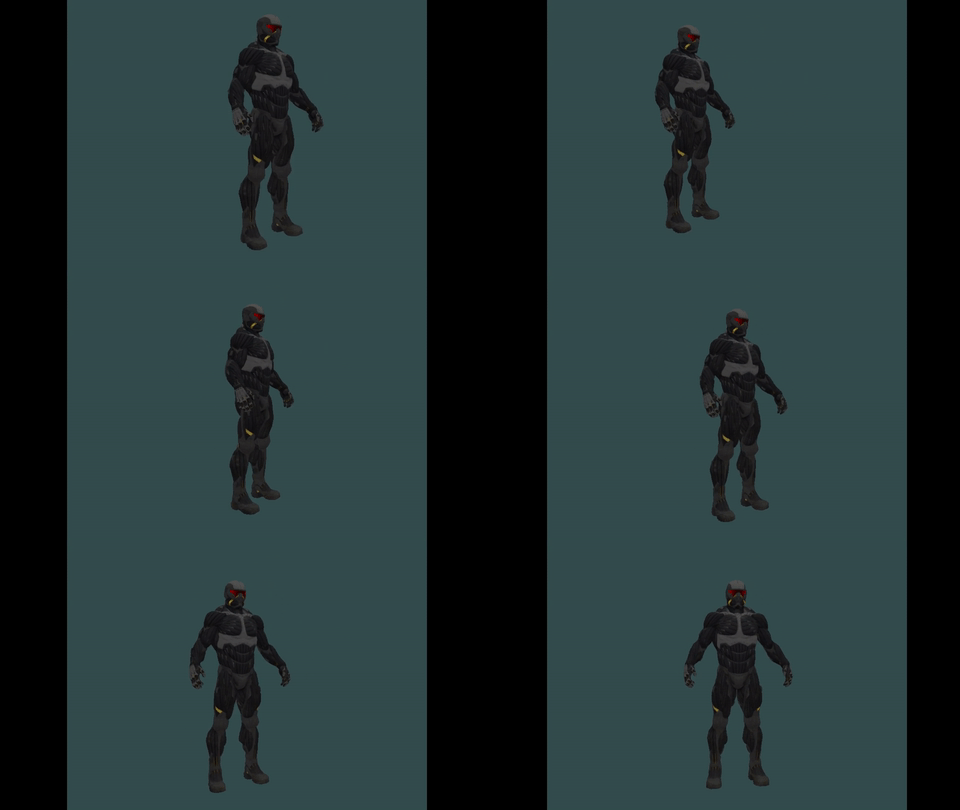
 Nishanth Sundharesan