
I wanted to implement lights for the third week of my project. I wanted to implement directional, ambient, specular, point and spot lights.
Directional Light: Directional light is simple to visualize and understand. The closer the fragments of an object are aligned to the light rays, the more the brightness are of those fragments.
It is amazing how the dot product of two directional vectors work. The dot product of two directional vectors results in 0.0 when they are perpendicular and 1.0 when they are parallel. So the dot product increases from 0.0 to 1.0 as the vectors get closer in direction. So to light the fragments, I knew I needed the light direction, normal of the surface, and the light color to light the fragments. I passed the light direction & the light color as parameters to the fragment shader, passed the normal(interpolated) of a vertex from vertex shader to the fragment shader. I then normalized the vectors, calculated the dot product between the normals and the light direction which resulted in the lighting factor. I applied the lighting factor along with the light color to the fragment shader’s output i.e the final color of the pixel.
Passing in the light source’s position instead of its direction and calculating the direction between the light and each fragment provided with more accurate lighting results.
Ambient Light: After applying directional light, the pixels that were facing opposite to the direction of the light source, were completely dark. So I wanted to implement ambient lighting. Realistically there is always some sort of light somewhere in the world even when it’s dark, so objects are almost never completely dark; example: Moon.
Ambient lighting is the simplest form of lighting. We just take an ambient factor (minimum amount of lighting to be applied to an object) from 0.0 to 1.0, multiply it with a light color and apply it to the final resulting pixel. Similar to the directional light, I passed in the ambient factor and ambient light color as parameters to the fragment shader, multiplied them and applied to the color of the pixel i.e. the fragment shader’s output. The light color of ambient light can also act as a tint to an object.
Specular Light: It simulates the bright spot of a light that appears on shiny objects. Specular highlights are often more inclined to the color of the light than the color of the object. Alike directional lighting, specular lighting is based on the light’s direction vector and the object’s normal vectors, but it is also based on the view direction or the camera’s direction, example: from what direction the player is looking at the fragment. To calculate the view direction, I had to pass in the view position to the fragment shader. I calculated the view direction from the view position and the fragment’s position (fragment position was passed in from the vertex shader). I then calculated the light’s reflection direction using GLSL’s reflect() which needed the light direction and the surface normal as its parameters. After getting the view direction and the light’s reflection direction, I calculated the dot product of the vectors and raised it to the power of the shininess factor (32 for example, higher the shininess factor, the smaller the highlight becomes) to get the specular factor. Similar to the other lights, I applied the specular factor along with the light color to the fragment shader’s output.
I could have also used blinn-phong’s model instead of phong’s model and calculated the specular lighting using the half vector. The shininess factor affects the lighting a bit differently in blinn-phong’s model.
Here is how the ouput looked after implementing directional, ambient and specular lighting. I have a white cube to indicate the position of the light source.

Point Light: It is a light source with a given position in the world that illuminates in all directions and the light rays fade out over a distance, example: light bulbs. For point lights, the light is generally quite bright when standing close by, but the brightness diminishes quickly at the start and the remaining light intensity diminishes slowly over distance. As the light rays travel over distance, it loses its intensity, this is generally called Attenuation. To calculate this attenuation factor I used the formula:
Fatt = 1.0 / (Kc + Kl ∗ d + Kq ∗ d2)
Where:
d: Is the distance from the fragment to the light source.
Kc: Is a constant term which I kept it at 1.0. This is usually kept at 1.0 to make sure the resulting denominator never gets smaller than 1.0.
Kl: A linear term that reduces the intensity of the light in a linear fashion.
Kq: A quadratic term which will be less significant compared to the linear term when the distance is small, but gets much larger than the linear term as the distance grows.
I had to pass in the constants Kc, Kl & Kq to the fragment shader to calculate the attenuation factor. After calculating the attenuation factor using the above-mentioned formula, I simply multiplied it with the directional light factor and specular light factor that I had previously calculated. This gave me a decent visualization of point light with its intensity decreasing over distance.
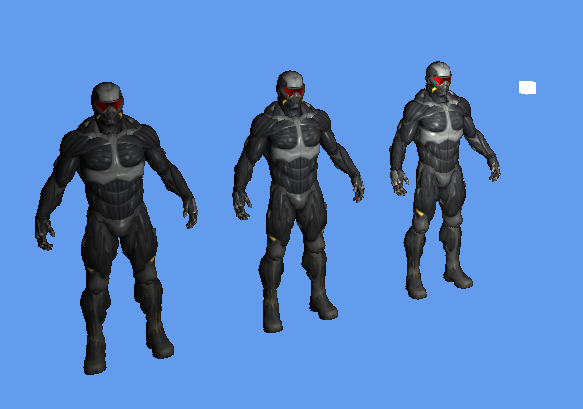
Here is how the output looked after implementing a point light. The cube indicates the position of the point light.
Spot Light: A spotlight is a light source that is located somewhere in the environment that, instead of shooting light rays in all directions (like point light), it only shoots them in a specific direction. The result is that only the objects within a certain radius of the spotlight’s direction are lit and everything else stays dark. A good example of a spotlight would be a street lamp or a flashlight.
To calculate the spotlight intensity, I had to first have a position for spotlight, specify its direction, inner radius, outer radius and pass them to the fragment shader. I start with, I had to calculate the spotlight direction relative to the fragment position, I got it by subtracting the fragment’s position and spotlight’s position. After getting the relative direction, I applied the dot product between the spotlight direction and the relative direction which gave me a cosine of the angle between them i.e. from -1 to +1. The spotlight intensity is calculated only if the resultant value is > 0.0 i.e if the fragments are facing the direction of the spotlight. I used the GLSL’s smoothstep() function to perform Hermite interpolation between the spotlight’s inner radius and outer radius using the theta as the factor, which gave me the spotlight intensity. I then multiplied the spotlight intensity with the diffuse factor and the specular factor that I had calculated before.
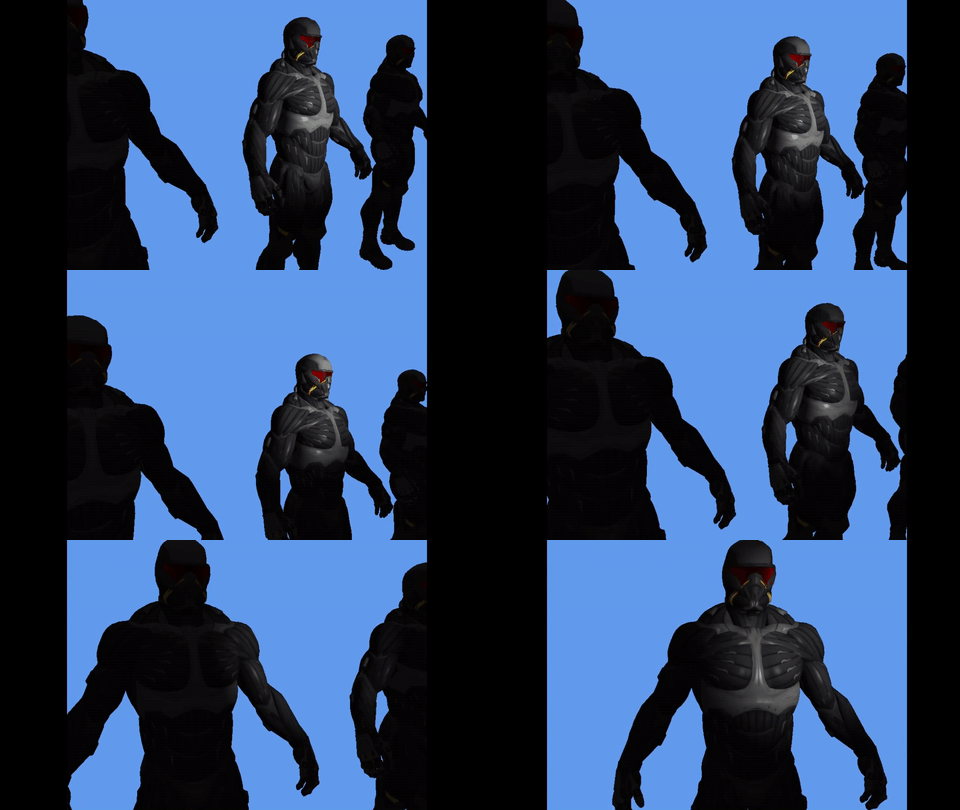
Here is how the output looked after implementing a spotlight.
 Nishanth Sundharesan