SSAO Blur
To calculate SSAO, I randomly rotated the kernel for each fragment, I was able to get high-quality results with a small number of samples. This did come at a price as the randomness introduced a noticeable noise pattern. John Chapman says that we can fix the problem by blurring the results.
Here is an image of the visible noise pattern.
(For better visualization, please open the image in a new tab/window )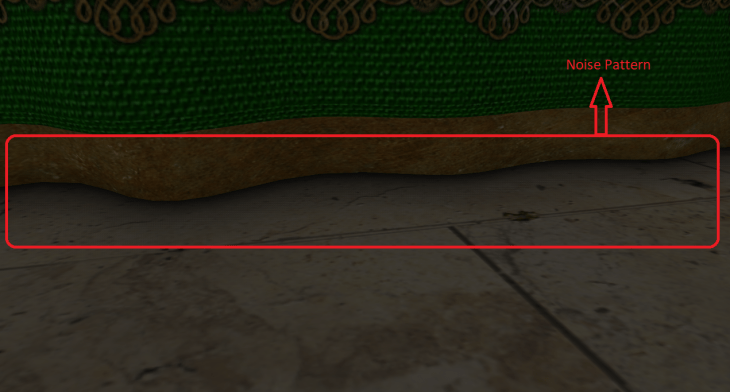
So I added another pass to blur the result of SSAO. The result of the SSAO blur pass is again an ambient occlusion factor but this time it is without the noise pattern problems. To store the blurred ambient occlusion factor, I created another frame buffer and bound it in the SSAO blur pass. The vertex shader for the SSAO blur did 1 job i.e. to pass the texture coordinates to the fragment shader. So I used the same vertex shader that the SSAO pass was using. The fragment shader of the SSAO blur pass calculated the surrounding texels around the fragment, sampled the ambient occlusion (using SSAO texture) for the surrounding texels, computed the average for the sampled ambient occlusion and assigned it to the SSAO blur texture. This calculation was done for all the fragments. But how were the surrounding texels calculated? As I already knew the size of my noise texture (4×4 in my case), I used this to my advantage. I traversed between -noiseTexturedDimension/2 to +noiseTexturedDimension/2 both horizontally and vertically to get the surrounding texels (from -2.0 to 2.0 in my case).
Here is how the output looked after applying the blur results.
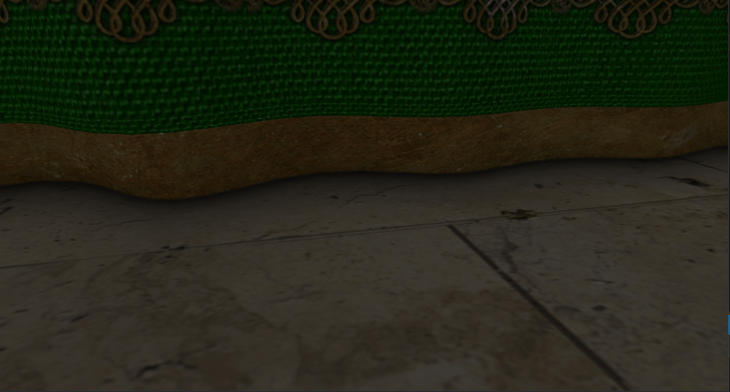
As you can see, the noise pattern is smoothly removed.
ImgUI
There were some number of variables that I could tweak to get variable results from the SSAO pass.
- SSAO Kernel Size (number of samples)
- SSAO Radius
- SSAO Bias
- SSAO Power
Along with these variables, I wanted to enable/disable SSAO pass and SSAO blur pass to visualize the the output with & without SSAO. I could have easily implemented this by creating boolean & float variables and varied them with the key bindings using glfw. This would have worked, but it wouldn’t have been visually interesting. So I wanted some sort of visual representation for these variables which I could vary, like a UI. Creating a UI by myself would have taken a lot of time and that wasn’t the point of the project, so I started searching for some existing libraries. In that process, I came across the library called ImgUI. This library was small, free to use and was easy to implement. So I included the library into my project and threw all my tweakable variables into the UI. I added checkboxes to enable/disable SSAO pass and SSAO blur pass, I added sliders to vary SSAO Kernel Size, SSAO Radius, SSAO Bias and SSAO Power.
Here’s how the output looked after implementing ImgUI (A.K.A dear imgUI):
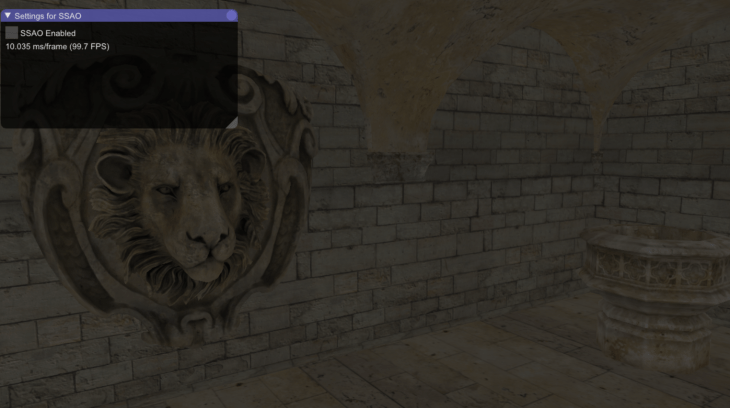
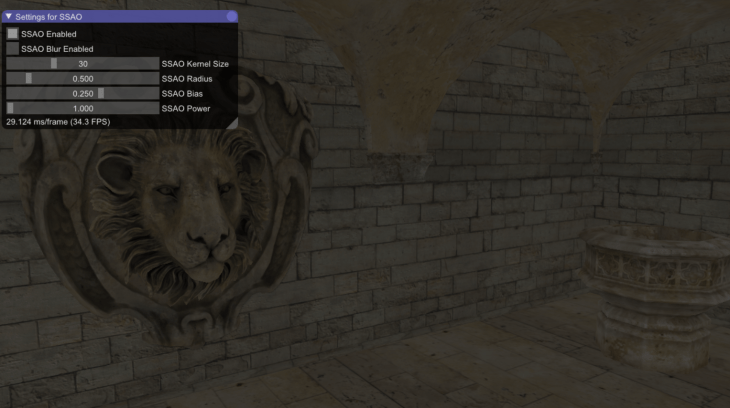
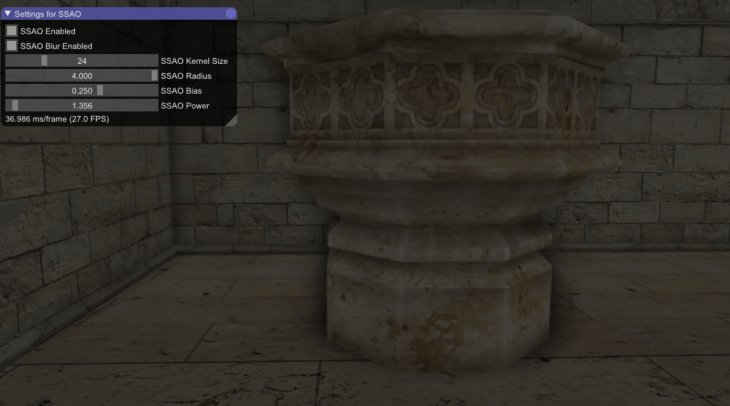
The SSAO radius is increased in the third image. Because of that, as you can see, the ambient occlusion on the pillar spreads outwards.
 Nishanth Sundharesan